GBP Attributes: Full List and Which to Fill
Updated on 4 September 2026
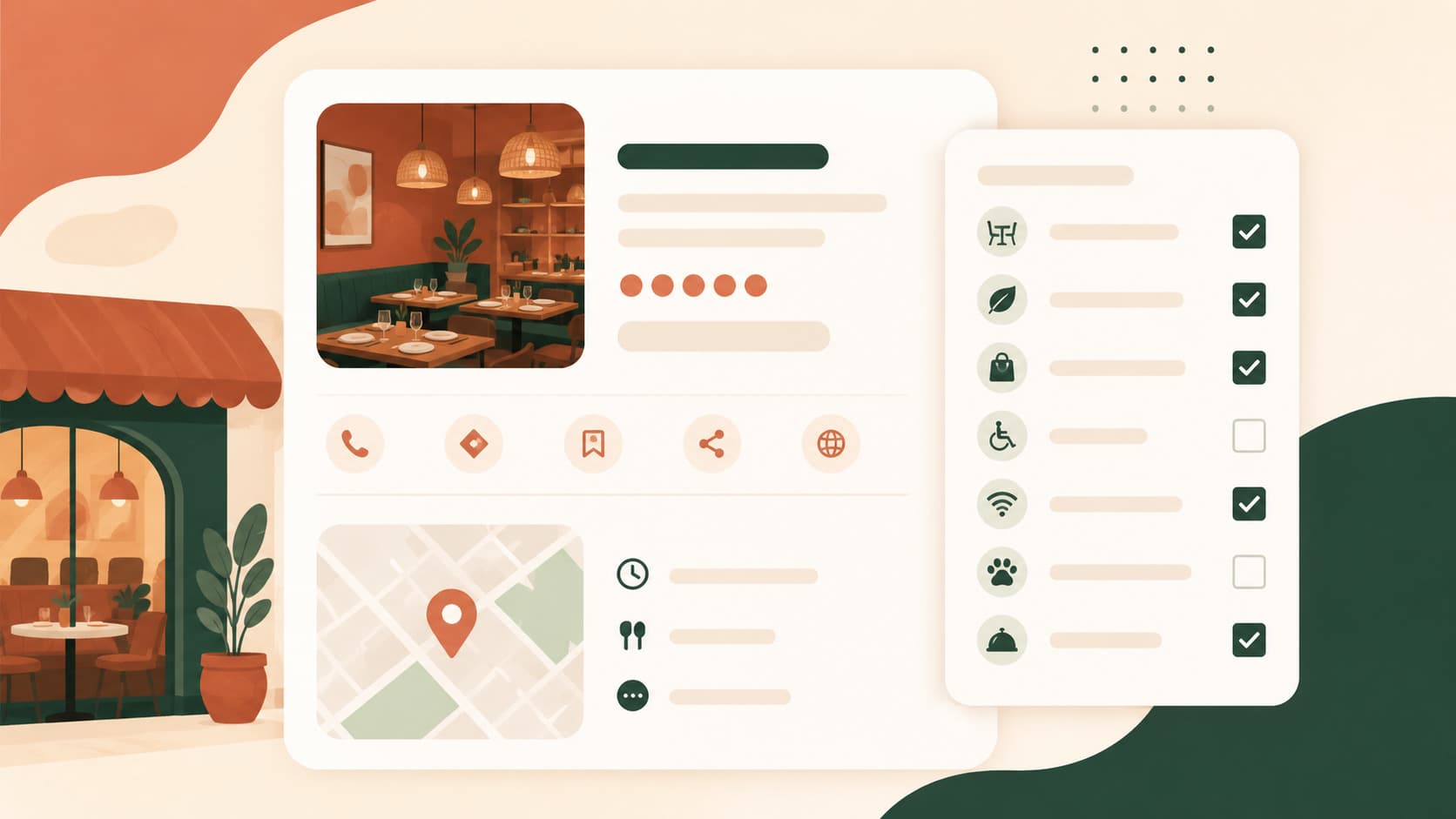
Attributes are the checkboxes that sharpen the match between your listing and specific searches like "restaurant with a patio" or "wheelchair accessible". They're grouped by category (services, crowd, amenities, links) and come in several field types depending on the information requested.
Attribute field types
Google Business Profile uses four field types for attributes:
| Type | How it works | Example |
|---|---|---|
| Boolean (yes/no) | Three possible states: unset, yes, no | "Offers takeout" |
| Single choice | One selectable option from a list | "LGBTQ+ friendly" |
| Multiple choice | Several selectable options, each with its own state | "Wi-Fi" (free / paid / unset) |
| URL link | A direct link to a specific page | "Menu link" |
The boolean field actually works on three states, not two: leaving a box unchecked isn't the same as "no" — it's an absence of information. This is an important nuance, since leaving an attribute unset isn't neutral — Google and customers may read it as a lack of information rather than the service being unavailable.
Main attribute categories for a restaurant
Available services — takeout, delivery, online reservations, counter service, table service.
Crowd — family-friendly, LGBTQ+ friendly, group-friendly.
Amenities — Wi-Fi, outdoor seating, parking, wheelchair accessibility, pets allowed.
Links — direct link to the menu, link to the reservation page.
Which to prioritize first
The most-searched attributes in local restaurant queries, in observed order of impact: accessibility, patio/outdoor seating, payment options, Wi-Fi, and family-friendly. Filling these five first covers the majority of filtered user searches.
Available attributes depend on category
The list of attributes offered varies based on the primary category chosen for your listing — see GBP categories: full list and how to choose. Changing your primary category can remove previously checked attributes if they no longer apply to the new category.
Mistake to avoid
Checking an attribute that doesn't match reality (for example "wheelchair accessible" without an actual ramp) creates customer disappointment on arrival and can translate into a negative review directly tied to that mismatch.
For the full listing checklist, see Google Business Profile: 16 optimizations.
SEOresto helps you keep a complete, up-to-date listing. From €39/month. See pricing.
Author: Dmitrii Portnov, founder of SEOresto.