Where to See and Manage All Your Restaurant's Reviews
Updated on 26 August 2026
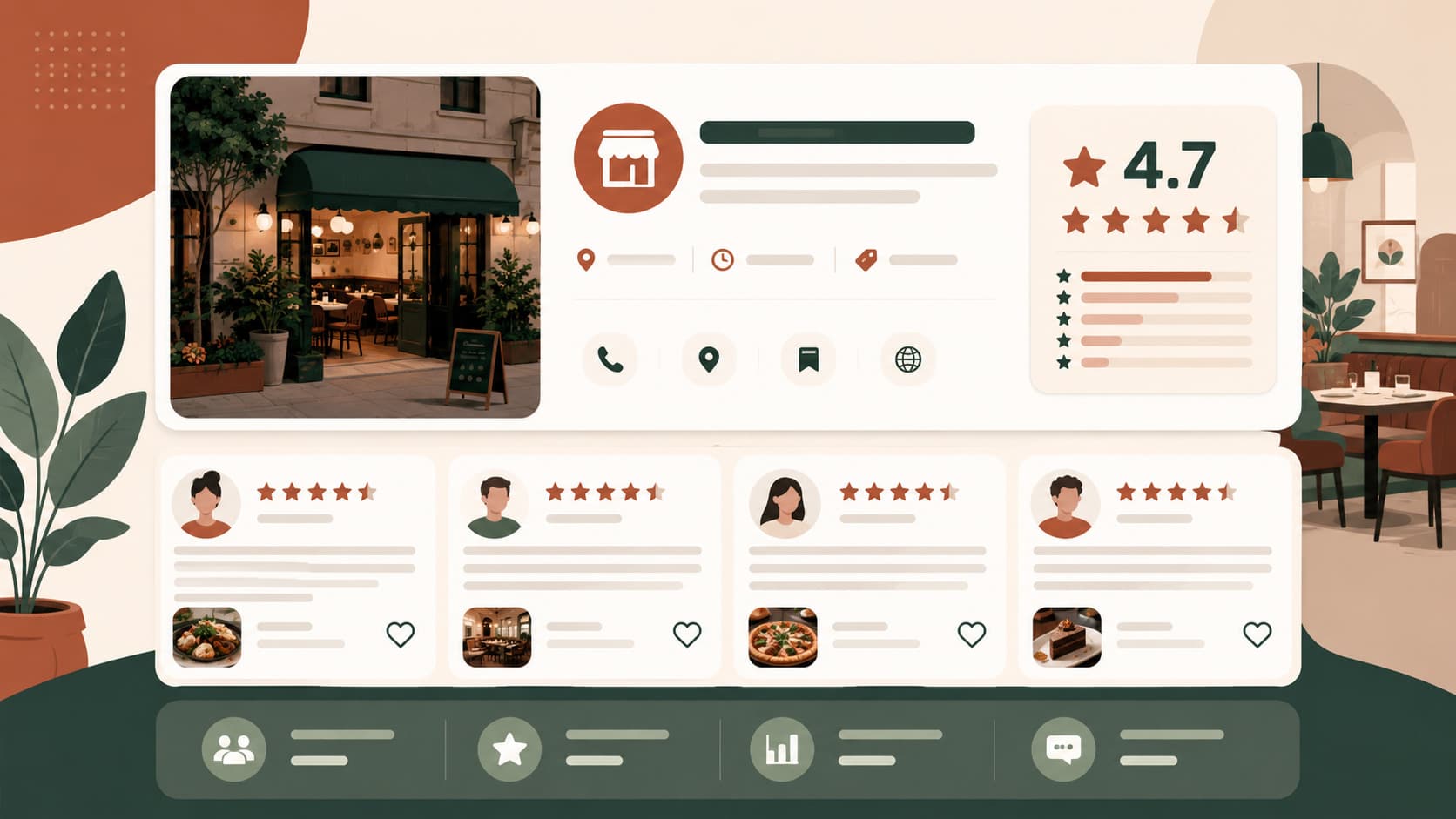
Three ways to check your Google reviews: from your Google Business Profile on desktop, from the Google Business Profile mobile app, or by searching your business name directly on Google or Maps. With more than one location, all three quickly become insufficient — see the fix at the end.
Method 1 — Google Business Profile (desktop)
- Go to business.google.com and sign in with the account managing your listing.
- Select your location if you manage more than one.
- In the left menu, click Reviews.
- You'll see the full list, filterable by rating and sortable by date.
This is the most complete view: it lets you respond, report, and see the full history of responses already published.
Method 2 — Google Business Profile mobile app
The app (iOS and Android) sends a notification for every new review and lets you respond directly from your phone. It's the fastest way to hit the recommended 24–72 hour response window.
Note: if you manage multiple locations, the app lets you switch between listings, but doesn't give a consolidated view of all reviews in a single list.
Method 3 — Direct search
Type your business name into Google or Maps, signed out of your owner account. This is what your customers see — useful for checking what actually shows up first, and specifically which review Google surfaces automatically (usually the most helpful or most recent, per its own algorithm).
What you can't easily see
Google doesn't natively provide:
- a consolidated view across all your reviews if you manage multiple locations, without switching listings;
- an analysis of recurring themes in negative reviews, beyond reading manually;
- an instant alert outside the mobile app (no default email notification for new reviews);
- a history of reviews deleted by their author — a removed review disappears without a trace, including from your rating history.
For a single location
Methods 1 and 2 are plenty. Check the app daily or enable notifications, and go through the full view once a week to catch anything missed.
For multiple locations
This is where manual management becomes a real time sink: switching between each listing to check new reviews, respond, and track trends multiplies the time spent by the number of locations.
SEOresto centralizes all your reviews in a single dashboard, regardless of how many locations you manage, with real-time alerts and suggested automatic responses. From €39/month per location. See pricing.
For the response method once you've found the review, see how to respond to Google reviews: 40 templates. For the full subject, see the complete guide to Google reviews.
Source: Google Business Profile documentation.
Author: Dmitrii Portnov, founder of SEOresto.